
Day4 —— 交互功能
这是你做物理、化学实验软件最关键的一天!
Day4 目标
- 鼠标移动 → 实时显示数学坐标(超级实用)
- 键盘方向键 → 平移坐标系
- 鼠标滚轮 滚动 → 缩放坐标系
- 所有函数跟着一起动,完美模拟实验仪器
Day4图形预览
显示坐标系
交互坐标系,左上角显示坐标位置信息
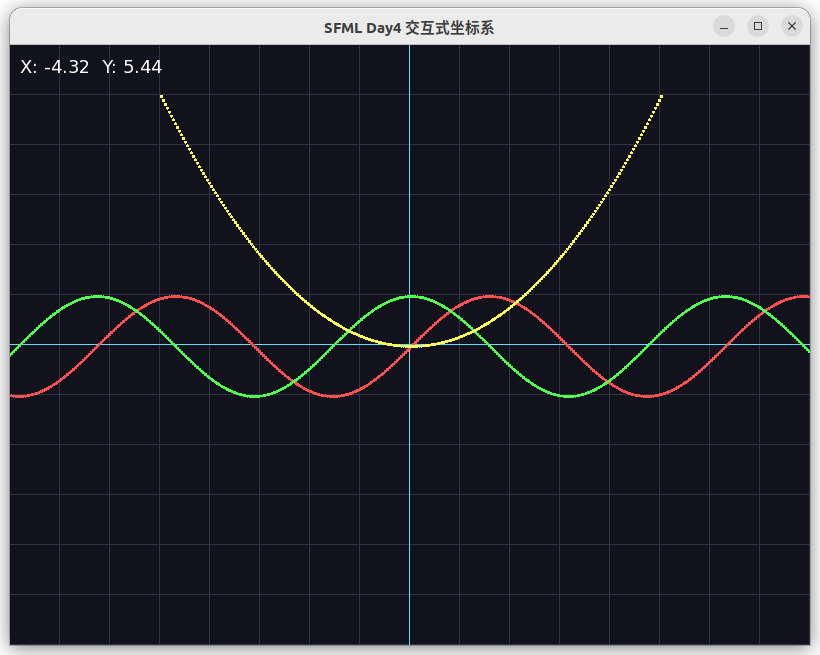
鼠标在第一象限
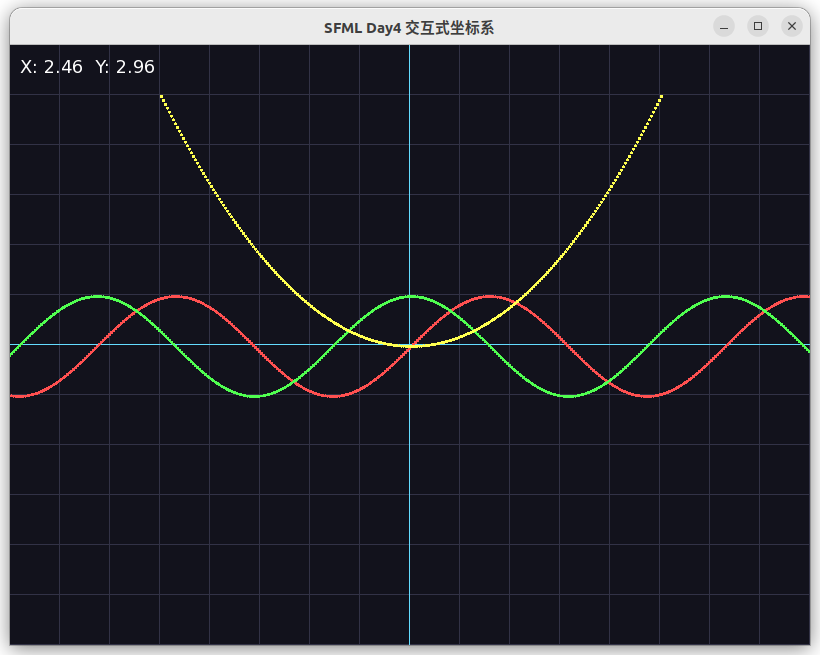
鼠标在第二象限
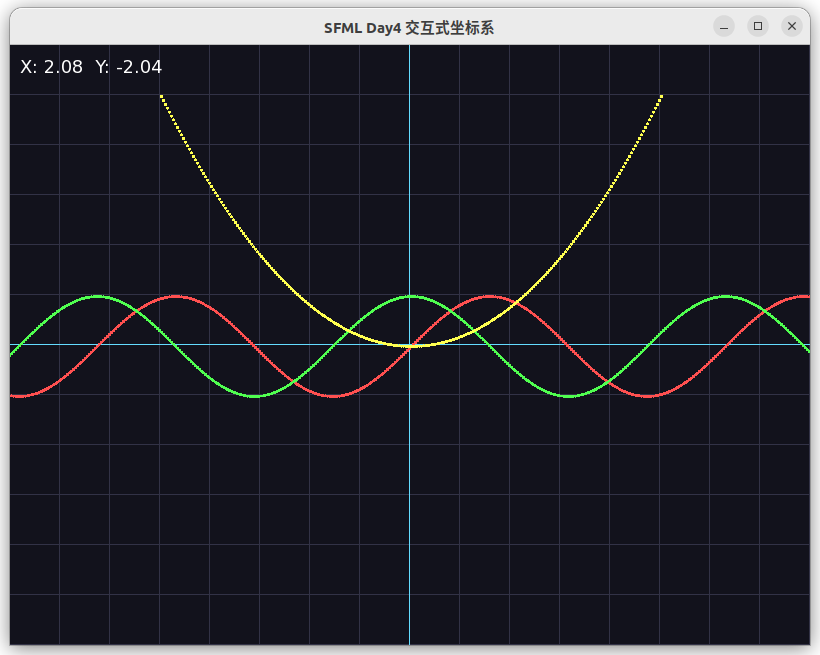
鼠标在第三象限
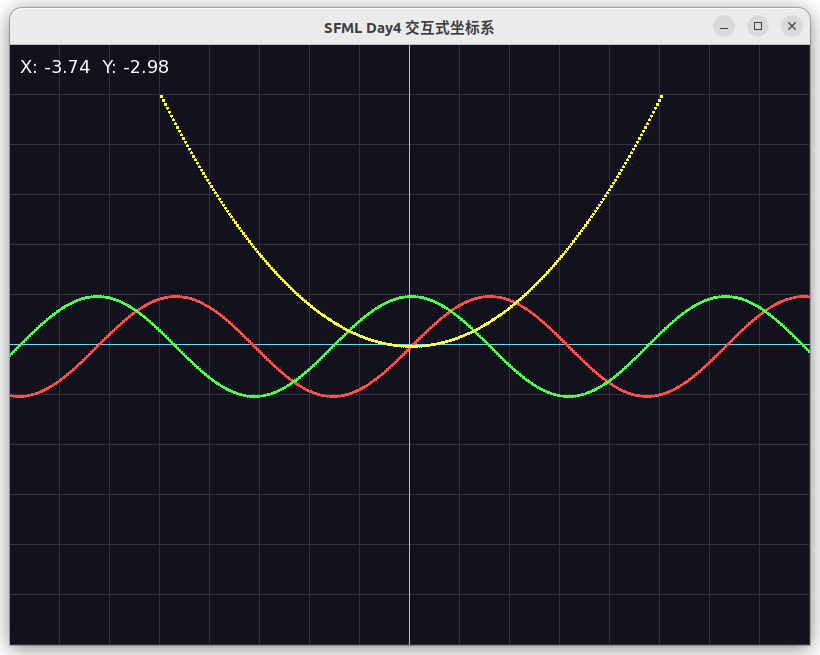
鼠标在第四象限
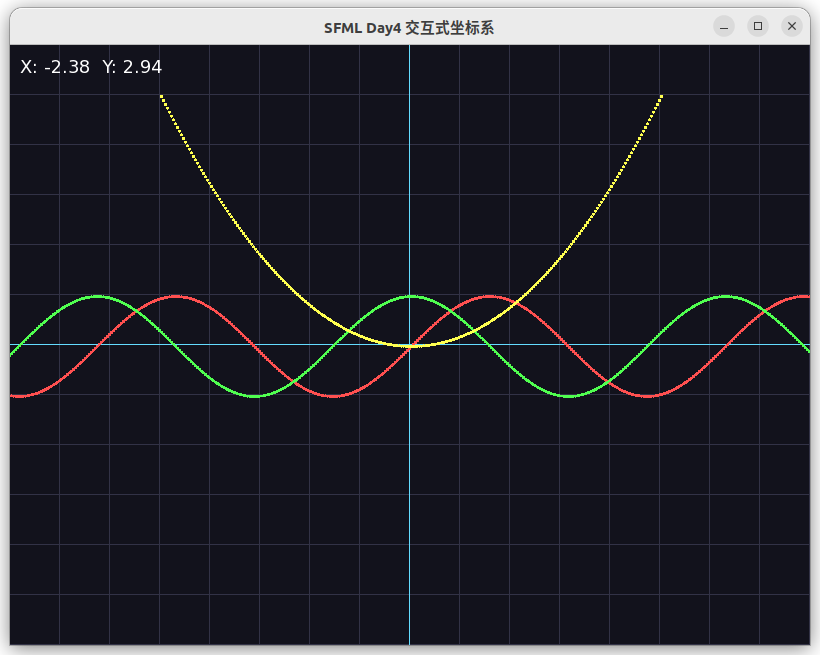
平移坐标系,键盘方向键上下左右移动
键盘上移动
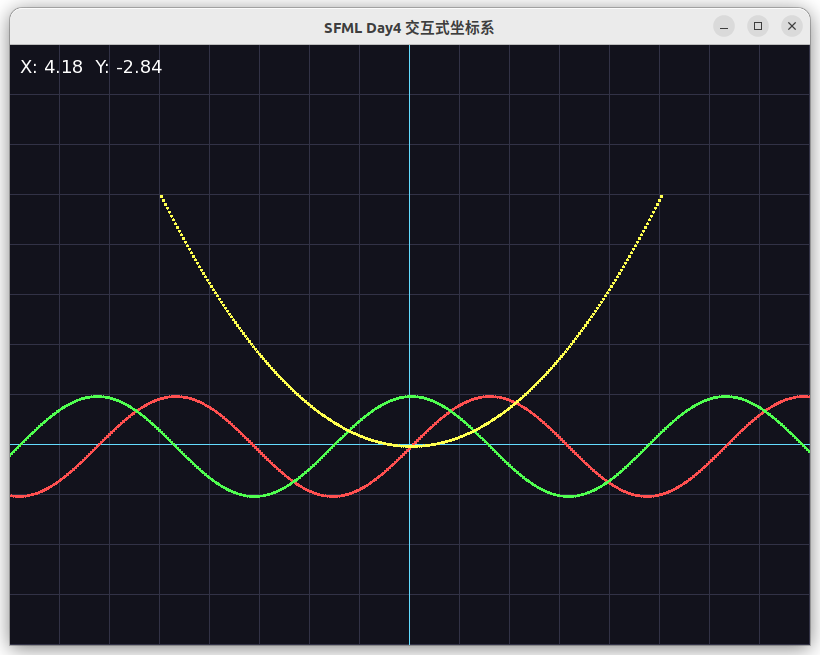
键盘下移动
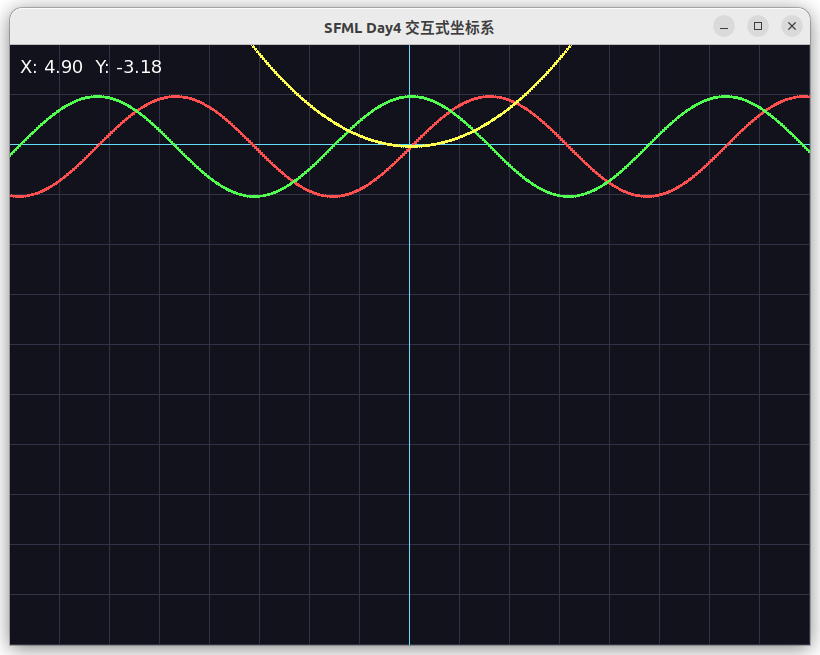
键盘左移动
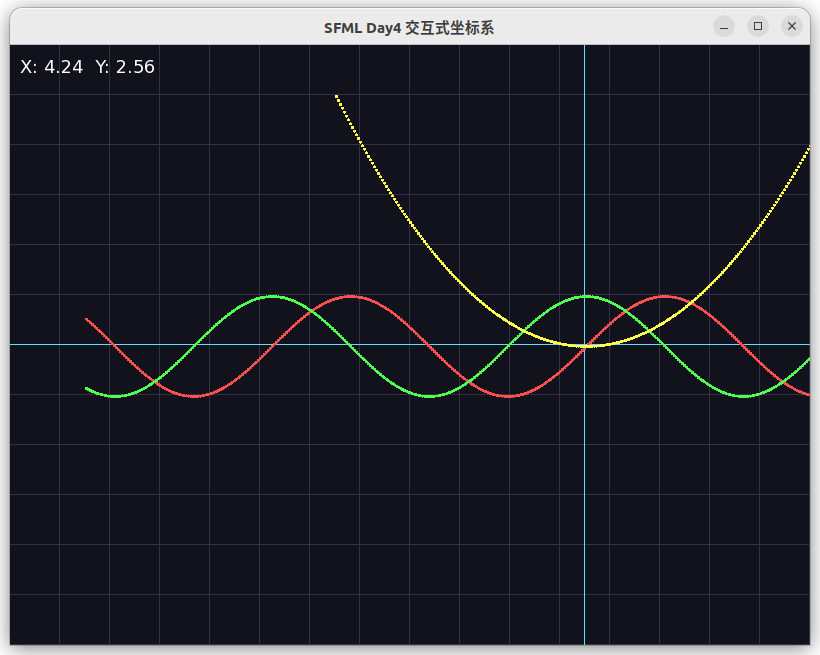
键盘右移动
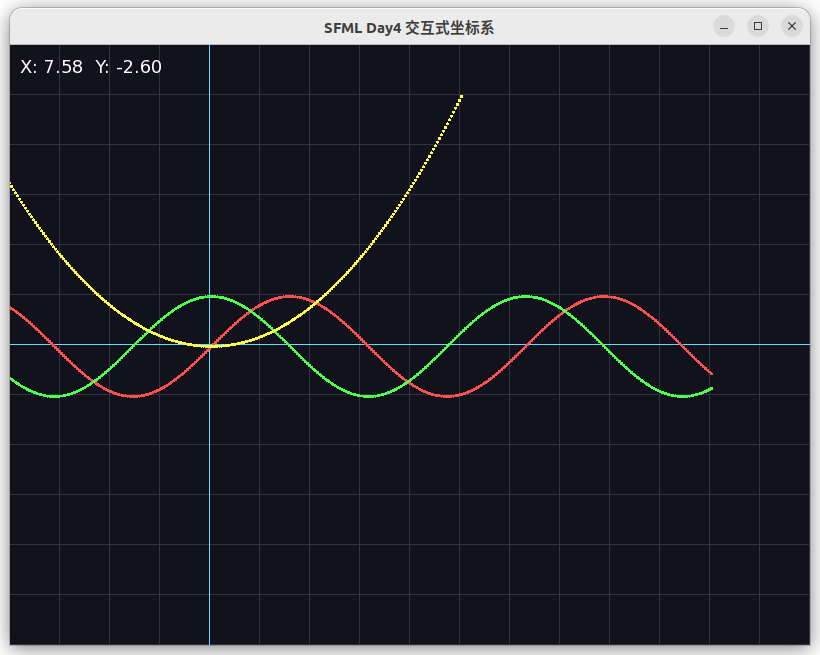
缩放坐标系,鼠标滚轮滚动
滚轮向上滚动放大
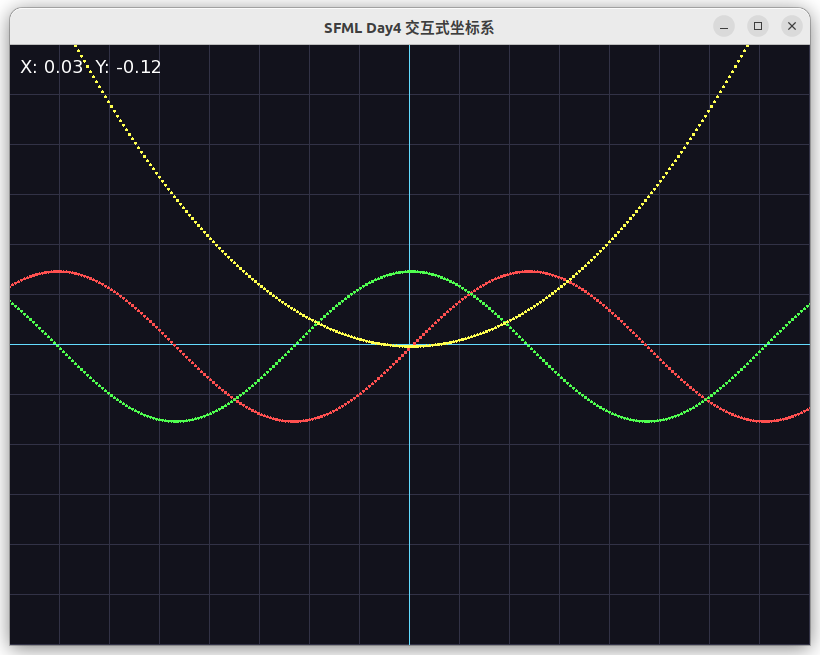
滚轮向下滚动缩小
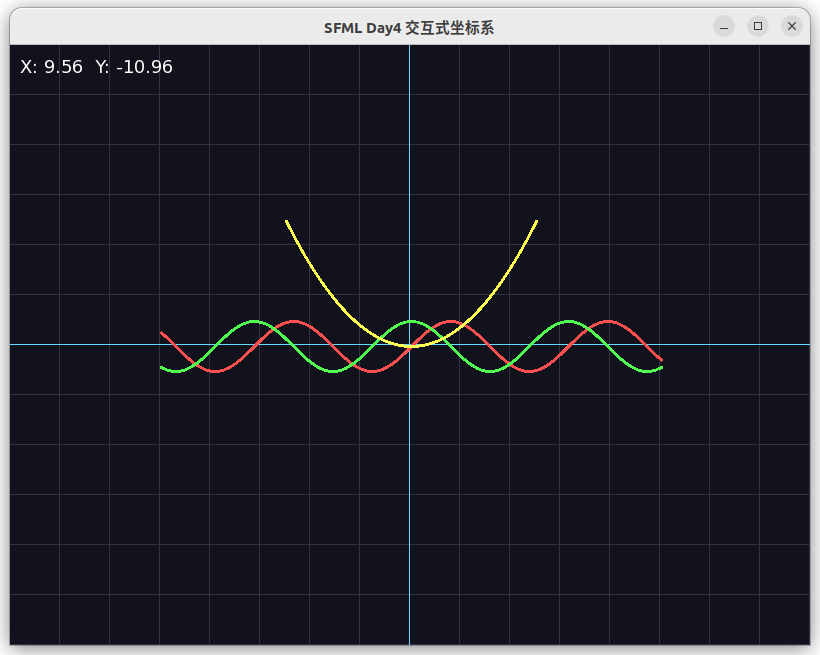
我直接给你完整可运行代码,复制即用:
文件名:day4_interactive.cpp
#include <SFML/Graphics.hpp>
#include <cmath>

using namespace std;

const int WIN_W = 800;
const int WIN_H = 600;

// 可交互参数:偏移 + 缩放
float offsetX = 0.0f;
float offsetY = 0.0f;
float scale   = 50.0f;

// 数学坐标 → 屏幕坐标(支持平移 + 缩放)
sf::Vector2f toScreen(float x, float y)
{
    return {
        WIN_W / 2.0f + (x + offsetX) * scale,
        WIN_H / 2.0f - (y + offsetY) * scale
    };
}

// 屏幕坐标 → 数学坐标(给鼠标用)
sf::Vector2f toWorld(float sx, float sy)
{
    return {
        (sx - WIN_W/2.0f) / scale - offsetX,
        (WIN_H/2.0f - sy) / scale - offsetY
    };
}

int main()
{
    sf::RenderWindow window(sf::VideoMode(WIN_W, WIN_H), L"SFML Day4 交互式坐标系");
    window.setFramerateLimit(60);

    // 字体(显示鼠标坐标)
    sf::Font font;
    font.loadFromFile("/usr/share/fonts/truetype/dejavu/DejaVuSans.ttf");

    sf::Text text;
    text.setFont(font);
    text.setCharacterSize(18);
    text.setFillColor(sf::Color::White);

    // 颜色
    sf::Color gridCol(50,50,70);
    sf::Color axisCol(100,220,255);
    sf::Color sinCol(255,80,80);
    sf::Color cosCol(80,255,80);
    sf::Color paraCol(255,255,80);

    while (window.isOpen())
    {
        sf::Event e;
        while (window.pollEvent(e))
        {
            if (e.type == sf::Event::Closed)
                window.close();

            // 滚轮缩放
            if (e.type == sf::Event::MouseWheelScrolled)
            {
                scale += e.mouseWheelScroll.delta * 5;
                if (scale < 10) scale = 10;
                if (scale > 200) scale = 200;
            }
        }

        // 键盘平移
        if (sf::Keyboard::isKeyPressed(sf::Keyboard::Left))  offsetX += 0.5f;
        if (sf::Keyboard::isKeyPressed(sf::Keyboard::Right)) offsetX -= 0.5f;
        if (sf::Keyboard::isKeyPressed(sf::Keyboard::Up))    offsetY -= 0.5f;
        if (sf::Keyboard::isKeyPressed(sf::Keyboard::Down))  offsetY += 0.5f;

        window.clear(sf::Color(18,18,28));

        // === 网格 ===
        for (int x=0;x<=WIN_W;x+=50) {
            sf::Vertex l[] = {{{(float)x,0},gridCol}, {{(float)x,WIN_H},gridCol}};
            window.draw(l,2,sf::Lines);
        }
        for (int y=0;y<=WIN_H;y+=50) {
            sf::Vertex l[] = {{{0,(float)y},gridCol}, {{WIN_W,(float)y},gridCol}};
            window.draw(l,2,sf::Lines);
        }

        // === 坐标轴 ===
        sf::Vertex xAxis[] = {toScreen(-20,0), toScreen(20,0)};
        sf::Vertex yAxis[] = {toScreen(0,-15), toScreen(0,15)};
        xAxis[0].color = axisCol; xAxis[1].color = axisCol;
        yAxis[0].color = axisCol; yAxis[1].color = axisCol;
        window.draw(xAxis,2,sf::Lines);
        window.draw(yAxis,2,sf::Lines);

        // === 绘制函数 ===
        for (float x=-10;x<10;x+=0.04f) {
            float y = sin(x);
            sf::CircleShape p(1.5f);
            p.setPosition(toScreen(x,y));
            p.setFillColor(sinCol);
            window.draw(p);
        }
        for (float x=-10;x<10;x+=0.04f) {
            float y = cos(x);
            sf::CircleShape p(1.5f);
            p.setPosition(toScreen(x,y));
            p.setFillColor(cosCol);
            window.draw(p);
        }
        for (float x=-5;x<5;x+=0.04f) {
            float y = 0.2f*x*x;
            sf::CircleShape p(1.5f);
            p.setPosition(toScreen(x,y));
            p.setFillColor(paraCol);
            window.draw(p);
        }

        // === 鼠标实时坐标 ===
        sf::Vector2i mPos = sf::Mouse::getPosition(window);
        sf::Vector2f wPos = toWorld(mPos.x, mPos.y);
        char buf[100];
        sprintf(buf, "X: %.2f  Y: %.2f", wPos.x, wPos.y);
        text.setString(buf);
        text.setPosition(10,10);
        window.draw(text);

        window.display();
    }
    return 0;
}
Makefile
# 编译器
CXX := g++

# 编译参数:警告 + 调试 + C++11
CXXFLAGS := -Wall -g -std=c++11

# SFML 库(必须放在最后)
LIBS := -lsfml-graphics -lsfml-window -lsfml-system -lsfml-audio

# 要编译的源代码(只编译 main.cpp)
SRC := day4_interactive.cpp
OBJ := $(SRC:.cpp=.o)

# 最终生成的程序名
TARGET := app4

# 默认编译
all: $(TARGET)

# 链接生成可执行文件
$(TARGET): $(OBJ)
    $(CXX) $(CXXFLAGS) -o $@ $(OBJ) $(LIBS)

# 编译 cpp 文件
%.o: %.cpp
    $(CXX) $(CXXFLAGS) -c $< -o $@

# 清理
clean:
    rm -f $(OBJ) $(TARGET)

# 运行(可选,输入 make run 即可启动)
run: $(TARGET)
    ./$(TARGET)
使用规则
编译:
make运行:
make run清理:
make clean运行命令
./app4你可以这样操作
- 方向键:平移坐标系
- 鼠标滚轮:放大 / 缩小
- 鼠标移动:左上角实时显示数学坐标(精确到小数点后两位)
这一天完成后
你就拥有了 专业数学/物理/化学绘图工具的核心引擎!
